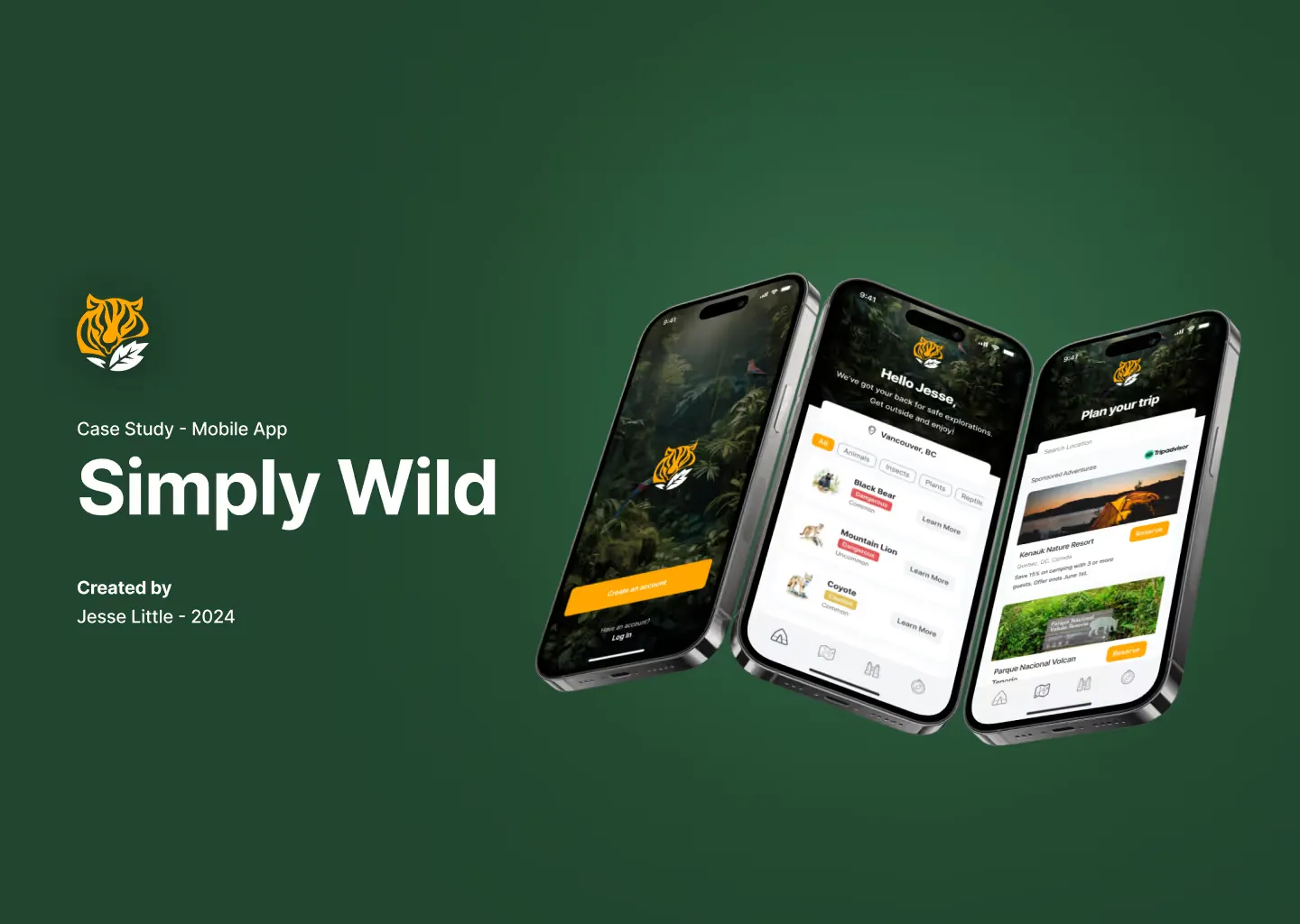
The problem
Outdoor explorers often lack the tools or information to identify dangerous wildlife. The resources that exist are hard to access, out of date or unreliable. Simply Wild is designed to give them accurate, real-time information on the go.
The goal
The app had to help users identify dangerous wildlife in real time and lower their risk of a harmful encounter.
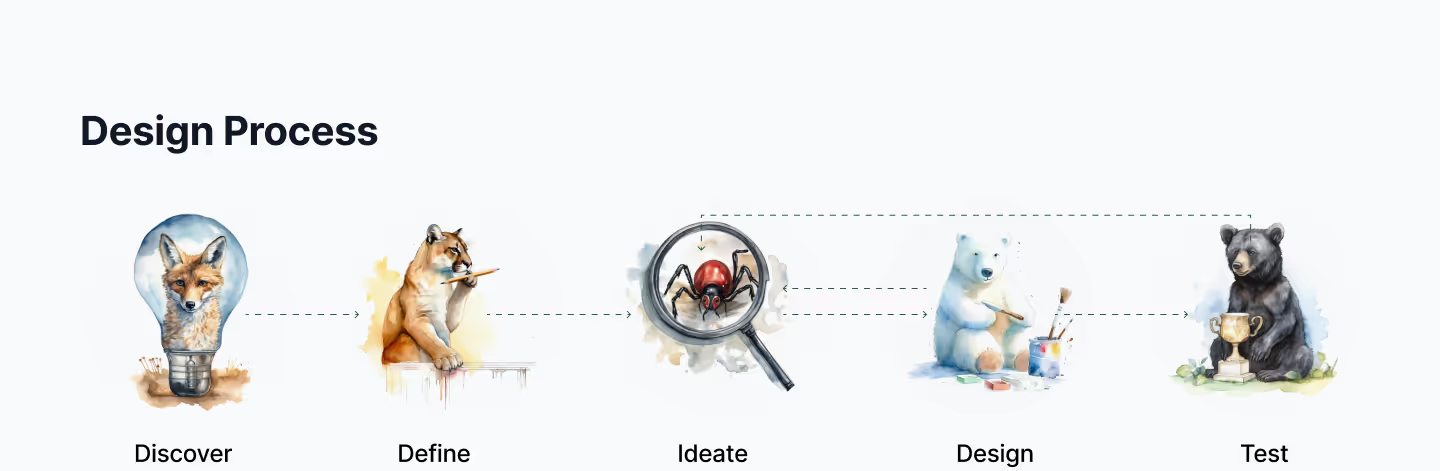
Design process
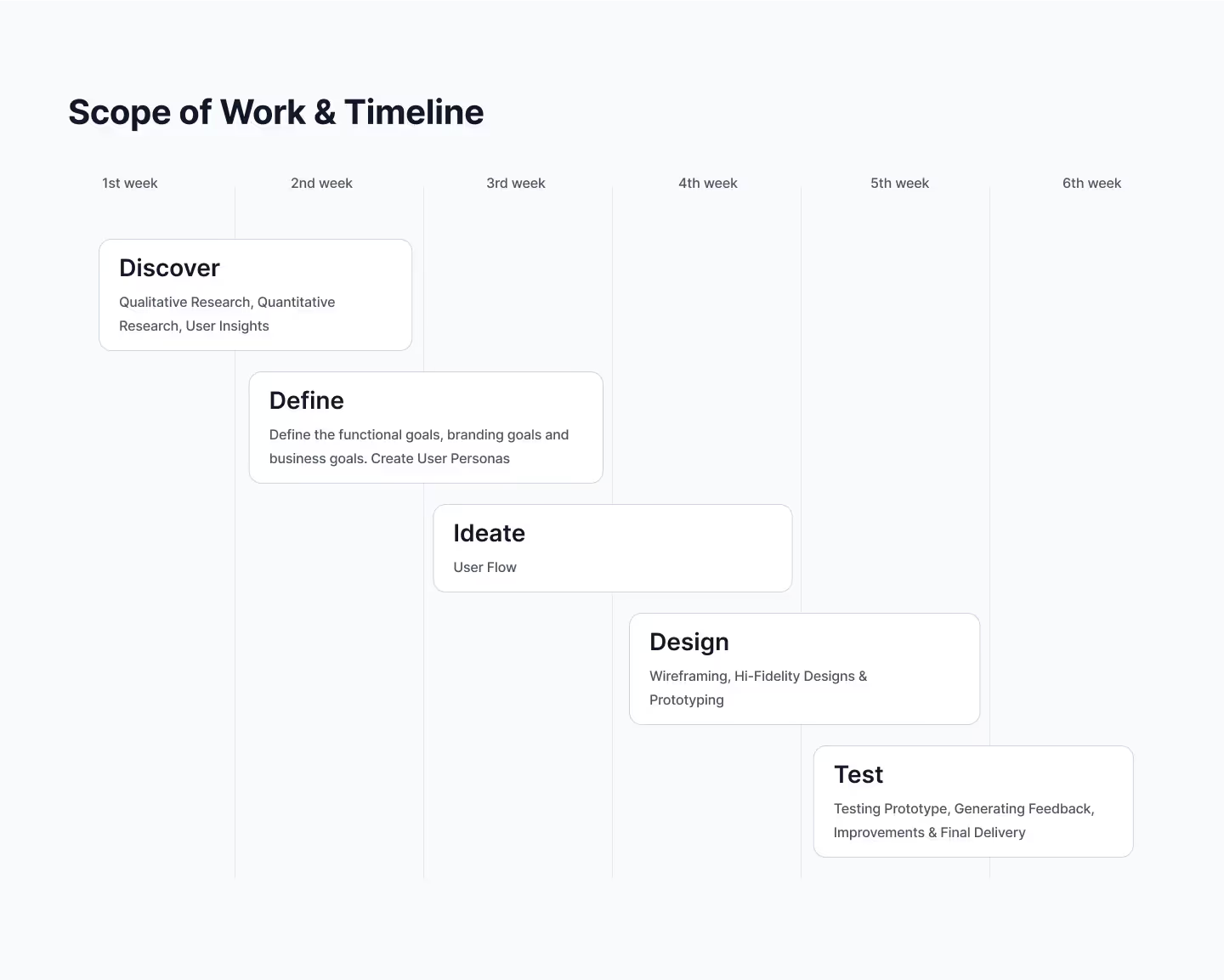
The project followed five phases: discover, define, ideate, design and test.
Research summary
I combined interviews with outdoor enthusiasts and wildlife experts and a survey. The interviews surfaced the concerns, and the survey measured them.
Qualitative insights
Interviews with outdoor enthusiasts and wildlife experts turned up three common concerns:
- Most users worry about encountering unfamiliar or dangerous animals.
- Parents emphasized the need for reliable safety info during family outings.
- Experts pointed to a knowledge gap between people and wildlife and pushed for more responsible exploration.
Quantitative findings
The survey backed up those concerns. The sample was small, so read the percentages as a signal rather than a measurement:
65.2%
frequently encounter wildlife during outdoor activities
37.6%
feel confident identifying dangerous species
76.1%
find existing resources lacking in accurate, up-to-date info
99%
were interested in an app to help identify and avoid dangerous wildlife
83.5%
wanted real-time wildlife updates
100%
supported bridging the knowledge gap and encouraging responsible outdoor behaviour
Pain points
Lack of reliable information
Most users don’t trust current resources to identify dangerous species. Those resources are often outdated, incomplete or hard to access on the go.
Low confidence in identification
Only 37.6% feel confident identifying dangerous species, and many admitted they wouldn’t know how to react in an encounter.
No real-time awareness
In the survey, 83.5% wanted real-time wildlife updates. Without them, users feel unprepared and at risk when they head into new areas.
Concern for family safety
Parents and group leaders worry about keeping others safe, especially kids, and have few tools to plan for or react to a wildlife encounter.
Persona
David
23 · Student · Vancouver
“I love exploring new trails, but it’s hard to know which animals or plants might be dangerous, especially when I’m in another country.”
About
David needs a simple way to identify dangerous wildlife while hiking abroad. He doesn’t know the local species and wants to stay safe while exploring nature.
Story
David loves hiking and camping with friends. He often travels abroad during his summer breaks and wants to see the local wildlife, but he doesn’t know which plants and animals are dangerous. He needs accurate, up-to-date information on what to watch out for.
Frustrations
- “I never know which animals are actually dangerous or just look intimidating.”
- “Most of the info I find online is either outdated or too general.”
- “I don’t want to waste time digging through articles when I’m already out on a trail.”
- “Traveling to new places makes it harder. Every region has different species, and I don’t know what to look out for.”
Goals
David wants a tool that quickly identifies dangerous wildlife, so he can explore with confidence.
Journey map
The journey map follows users from first hearing about Simply Wild to using it with confidence. At each stage it records what they do, think and feel, and where they run into trouble. It pointed to design opportunities that make the app more useful and easier to use in real outdoor settings.
Digital wireframes
The animals-screen wireframe set out the basic structure: location at the top, category tabs, a scrollable list of wildlife information and bottom navigation. The final design kept that layout and added custom illustrations, a nature-themed header and clearer calls to action. The screen is easier to scan and tap on the go.
This screen grew from a simple list into a visual layout that promotes sponsored outdoor trips. Users can search by location and browse featured trips with special offers. The screen gives the app a revenue stream and helps users plan safer, curated trips without leaving it.
Design system
One sheet shows the type, colour and illustration choices, the wireframes behind them and the final screens.

Prototype
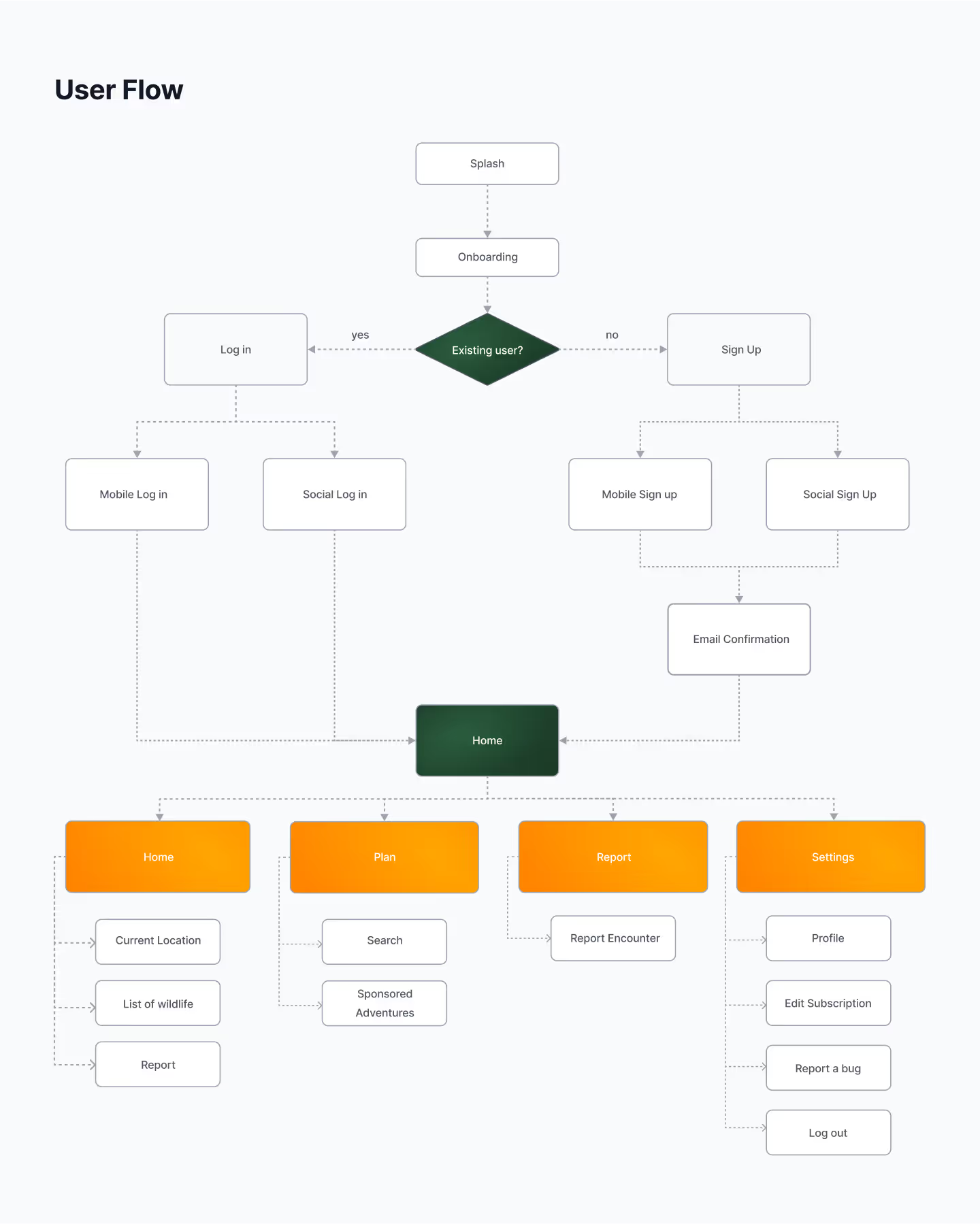
The user flow maps the core experience from onboarding to the key features. New users sign up via mobile or social accounts and confirm their email.
Findings
I ran two rounds of research. Round 1 validated the problem and surfaced pain points. Round 2 tested early features for usability and usefulness. The results set the app’s direction and priorities.
Round 1 findings
1. Strong interest in a wildlife safety app
- 99% of participants were interested in an app for identifying dangerous wildlife.
- 100% supported bridging the knowledge gap between people and wildlife.
2. Existing tools are falling short
- Only 23.9% found current resources effective.
- Users felt most tools were outdated, hard to use, or not relevant to their location.
3. Low confidence among users
- Only 37.6% felt confident identifying dangerous species.
- 62.4% admitted to limited knowledge or uncertainty.
4. High encounter rate
- 65.2% reported frequent wildlife encounters.
- The rest encountered wildlife occasionally but still expressed concern.
Round 2 findings
1. Real-time data was a key draw
- 83.5% said real-time wildlife updates would make them feel more prepared.
- Users appreciated the idea of location-based alerts.
2. Reporting a sighting has to be fast
- Testers wanted a quick and easy way to report wildlife sightings.
- Some asked for auto-fill location or photo upload options.
3. Clarity of navigation
- Users understood the flow from onboarding to core features.
- The “Plan” and “Home” tabs caused minor confusion, and users suggested clearer labels.
4. Trust in content is critical
- Users want info verified by experts or local authorities.
- Some expressed concern over misinformation or user-submitted data without moderation.